Documentation IndexFetch the complete documentation index at: /llms.txtUse this file to discover all available pages before exploring further.
Fetch the complete documentation index at: /llms.txt
Use this file to discover all available pages before exploring further.
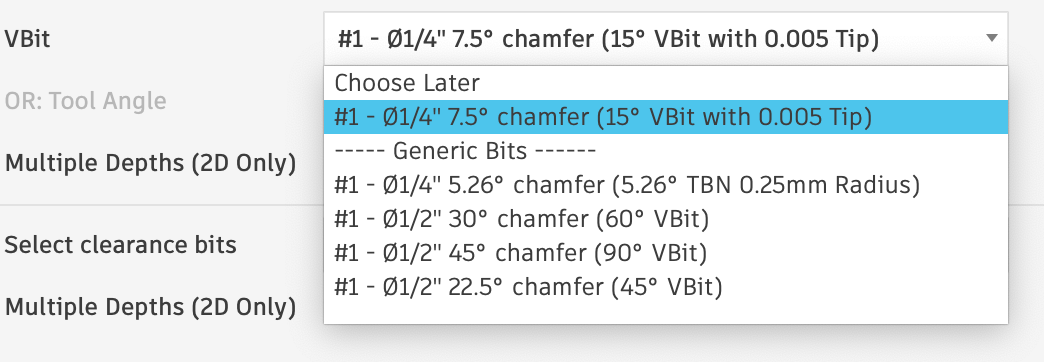
The VBit dropdown
Open the Manufacturing Workspace
Click on the Tool Library Button
Select your library in the sidebar
Tool Library
Drag and Drop
Verify your bits are there
Was this page helpful?